How to See Your Completed Habit Days on a Visual Calendar
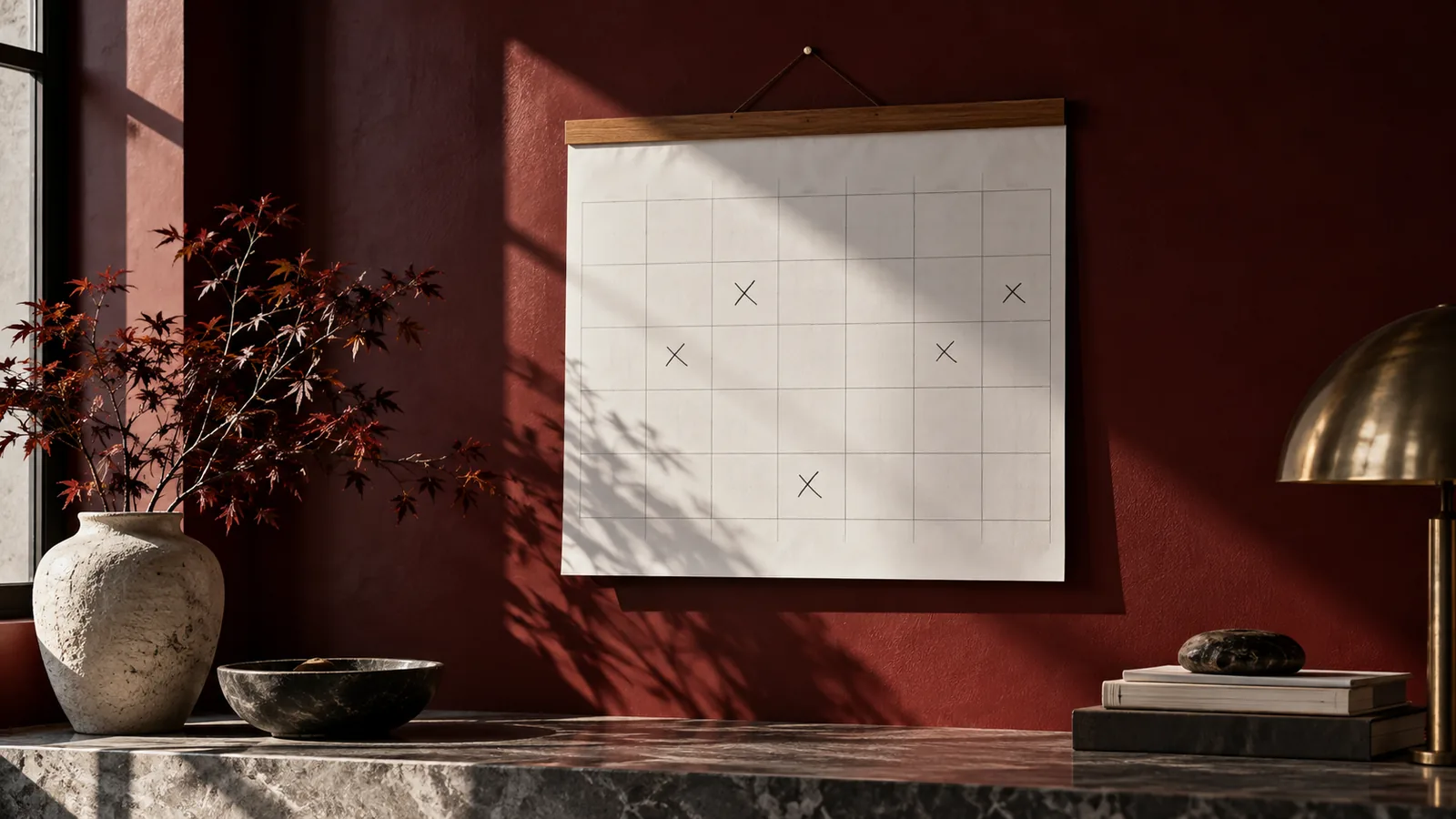
A list of notes can tell you what happened, but a calendar makes the dates easier to see together. X Calendar - Daily Routine Log lets you mark activity days with an X on your iPhone, giving you a quick view across the month.
Can I track completed habit days without a detailed diary?
You can use that view for writing, reading, exercise or any routine you want to remember. Rather than entering a description each time, give the activity a calendar name and mark its dates. The result is easy to glance at when you want to know when you last did something or how it fitted into recent weeks.
How could a calendar for completed habit days work in everyday life?
For Writing Days, add an X after a writing session. A session at home and one during a lunch break can both go in the same record. Your document can hold the words and edits, while X Calendar holds the dates. If you also want to track reading, keep that on its own calendar.
How do I use X Calendar to record completed habit days?
Give writing days a named calendar in X Calendar, then use it for the completed dates you want to remember. You can make the entry shortly afterwards while the date is still easy to recall.
When you finish a writing session, open Writing Days and keep the entry short. A remembered date can be added later, but it is usually easier to mark the activity while it is fresh. Do not feel you have to reconstruct every unmarked day. A clear record of the dates you entered is more useful than a full-looking calendar filled with guesses.
- Create a calendar called Writing Days.
- After you finish a writing session, tap that date to add an X.
- Open Writing Days whenever you want to see the dates you have marked.
What can I see when I look back at completed habit days?
Looking across the marks can make a scattered habit easier to remember. You might see several weekend sessions or a few weekday evenings you would otherwise have forgotten. You can use those dates as a starting point when planning more time for the activity, without needing to reread a whole diary.
The month view can be useful even if you only consult it occasionally. After a few weeks of writing, you can open Writing Days and see the dates together. You do not have to remember the order of your sessions or search the timestamps on documents. Keep making the quick entry after each session, and the calendar will be there when you want to look back.
The calendar is a simple view of when you wrote; your writing tool can keep the actual work.
Download X Calendar - Daily Routine Log on the App Store and start your writing days calendar.