Personal Goals
Track reading without streak pressure.
A visible history of reading days, with room for the rest of life. Create a calendar called “Reading” and let one X mean you spent time reading.
Start with one clear meaning.
A chapter or a few pages can count: the choice is yours. Tap the date after reading, and look back over the month to see when you made time for books. Leave days blank when you do not read; your earlier marks still remain.
- Create your “Reading” calendar.
- Complete the activity, then tap its date.
- Look back at the marked dates when you want to see your history.
An X records a reading day, rather than page counts or a list of finished books.
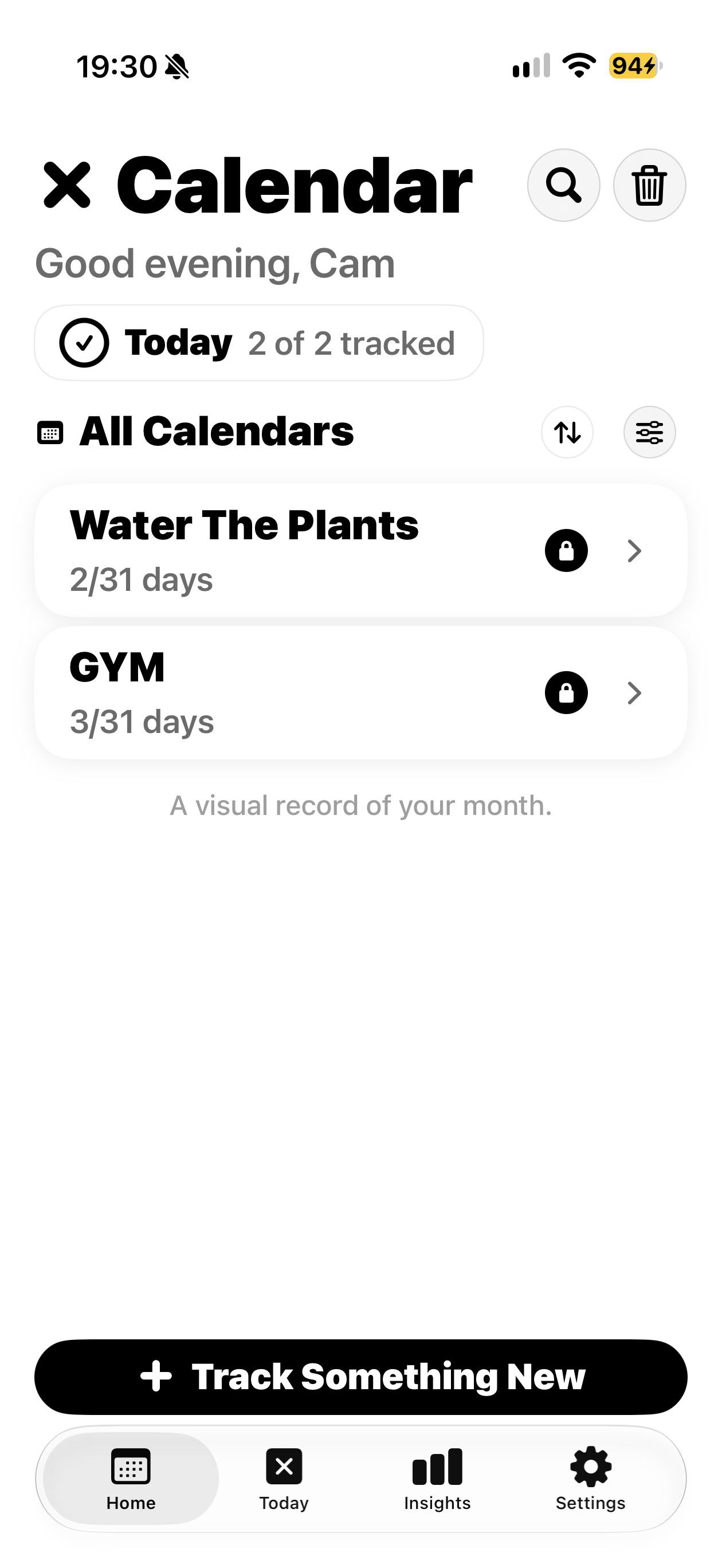
A separate calendar for each activity.
This real app screen shows Gym and Water The Plants. Use the same calendar approach for “Reading”; this is an example of the interface, rather than a fabricated reading screen.