Productivity
See your studying days.
Make the days you spend time learning visible without logging every minute. Create a calendar called “Studying” and let one X mean you completed a study session.
Start with one clear meaning.
Decide what counts before you begin: working through a lesson, revising a topic or doing a focused session. Mark the date when it is done. Give different courses separate calendars if that helps you keep their records clear.
- Create your “Studying” calendar.
- Complete the activity, then tap its date.
- Look back at the marked dates when you want to see your history.
The calendar records study dates, rather than session duration or test scores.
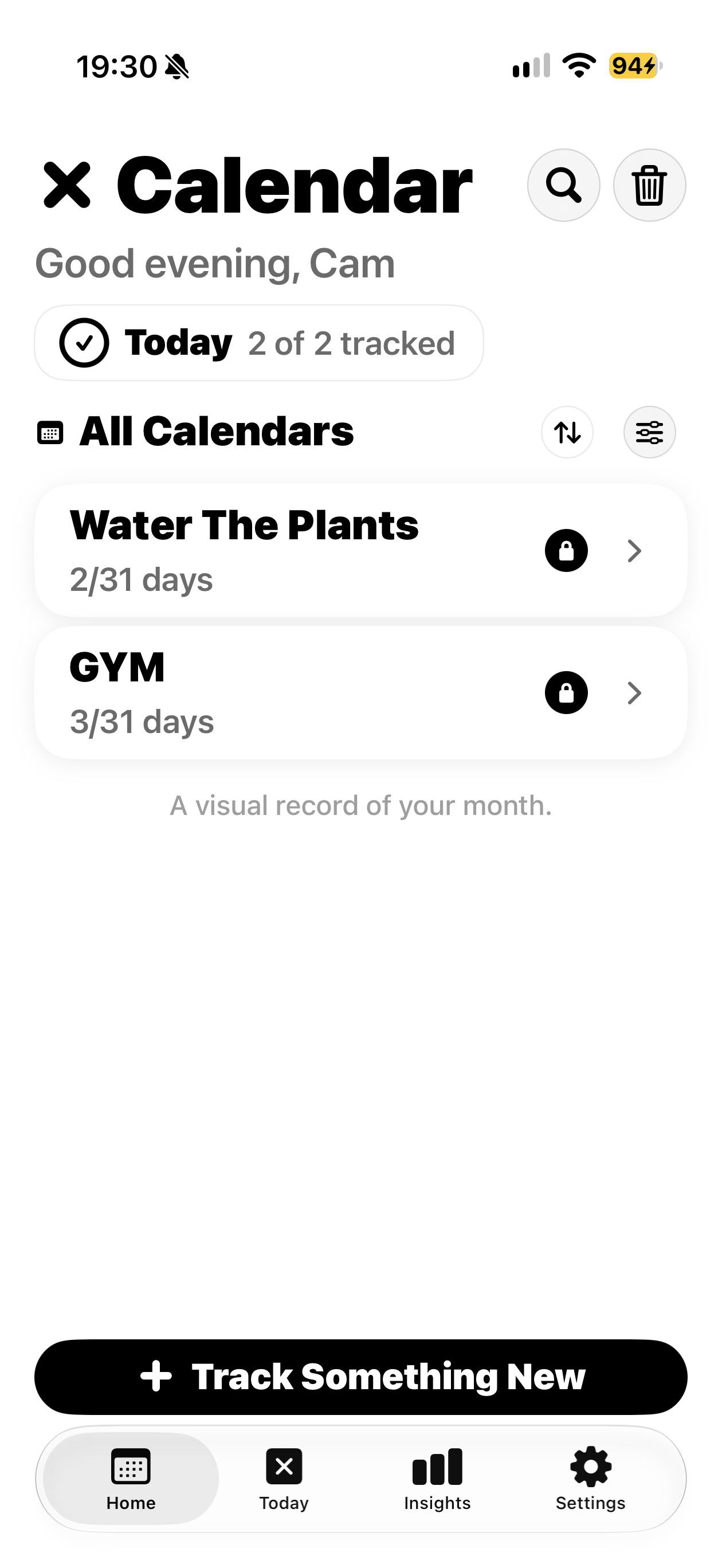
A separate calendar for each activity.
This real app screen shows Gym and Water The Plants. Use the same calendar approach for “Studying”; this is an example of the interface, rather than a fabricated studying screen.