Health & Wellbeing
Track days you meet your water goal.
Use one mark for a day when you meet your own water goal. Create a calendar called “Water goal” and let one X mean you met the daily water goal you chose.
Start with one clear meaning.
Choose an appropriate goal for your circumstances. Keep track of amounts separately during the day if you need to. Once your goal is met, mark the date. That makes the calendar a simple record of goal days, rather than a glass-by-glass log.
- Create your “Water goal” calendar.
- Complete the activity, then tap its date.
- Look back at the marked dates when you want to see your history.
X Calendar does not measure millilitres or prescribe how much you should drink.
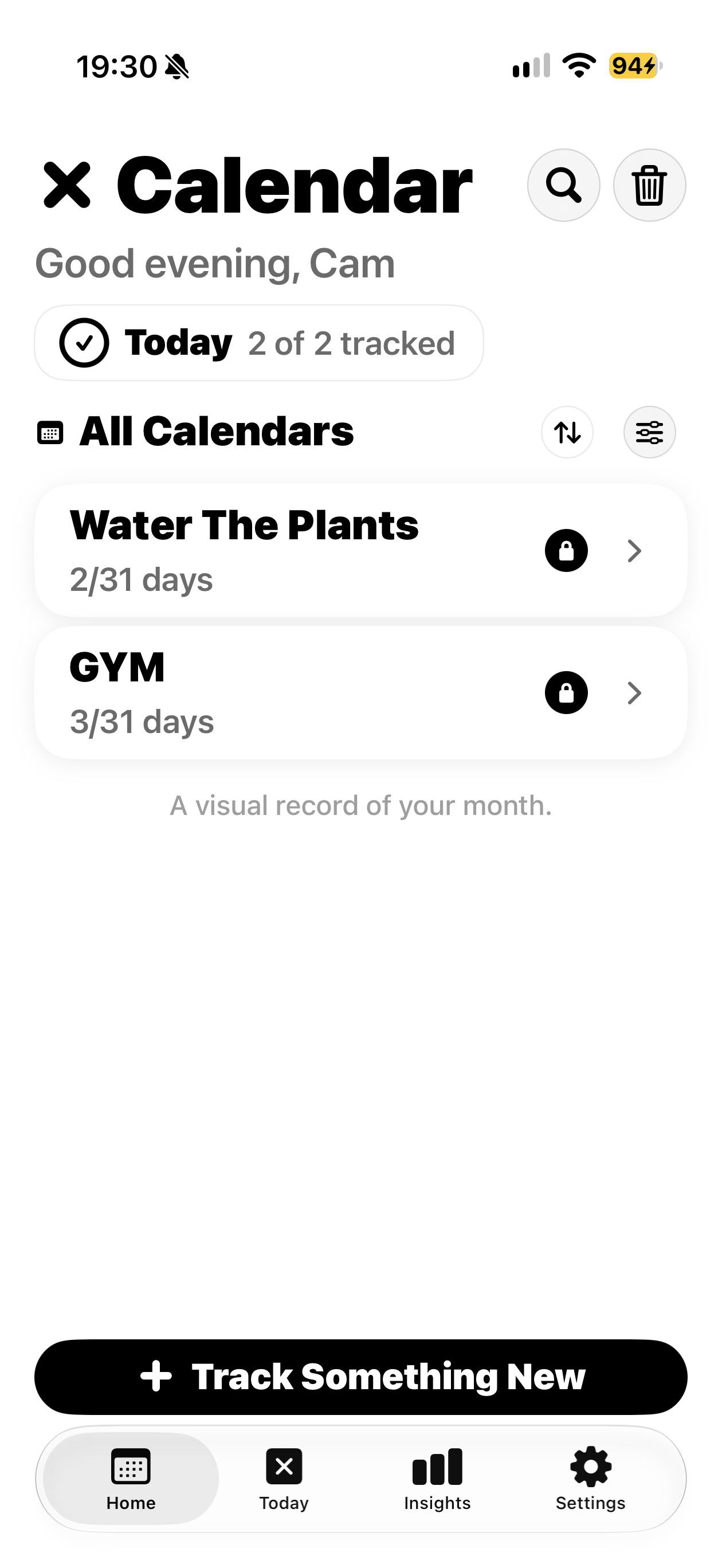
A separate calendar for each activity.
This real app screen shows Gym and Water The Plants. Use the same calendar approach for “Water goal”; this is an example of the interface, rather than a fabricated water goal screen.